Schedule in person or online
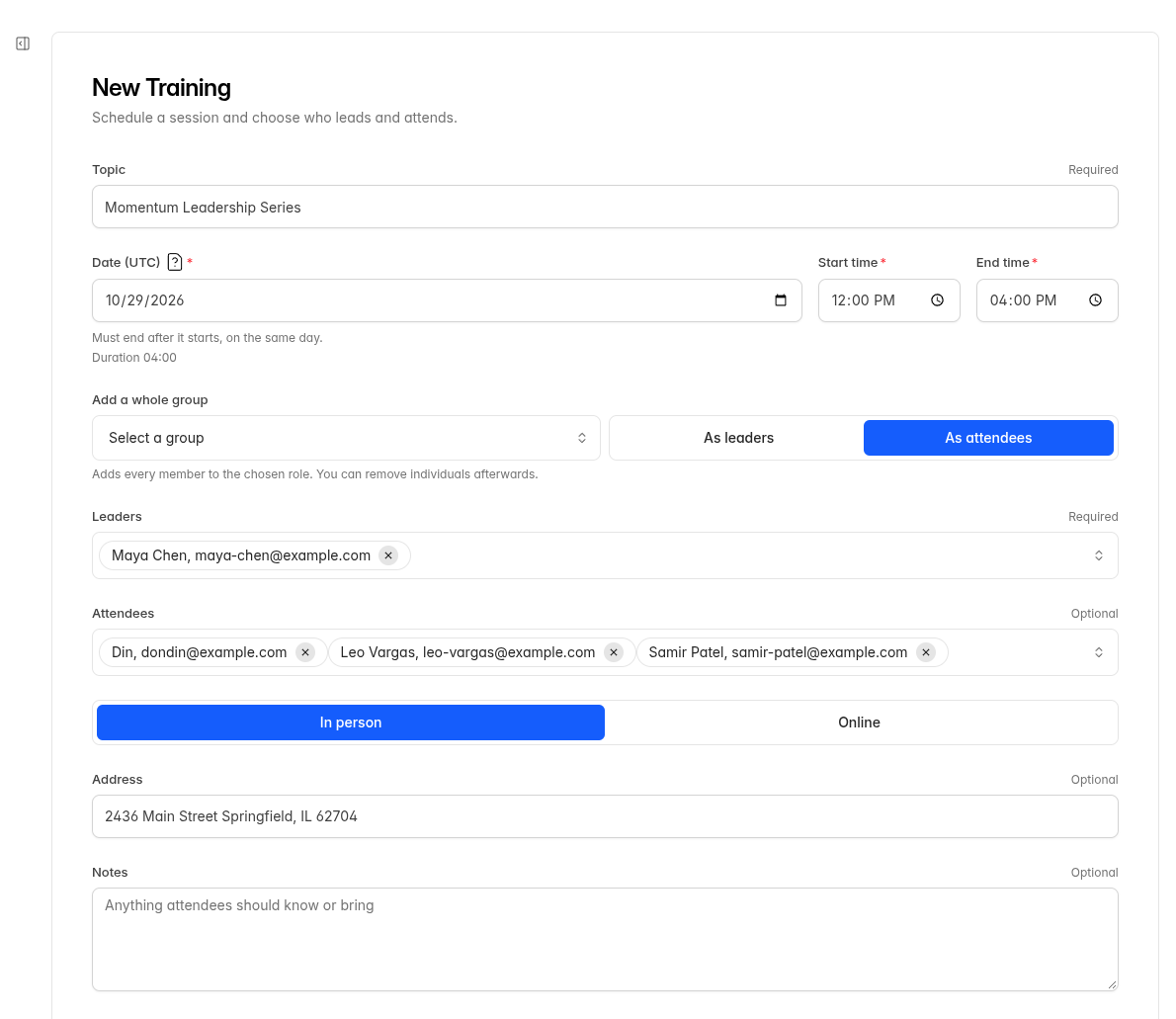
Set the topic, time, and location, or add a meeting link. Calendar invites go to everyone involved.
Schedule sessions, assign leaders and attendees, collect feedback, and track credits, all in one workspace.
Set the topic, time, and location, or add a meeting link. Calendar invites go to everyone involved.
Add people one by one, or bring in a whole group. A leader can't also attend the same session.
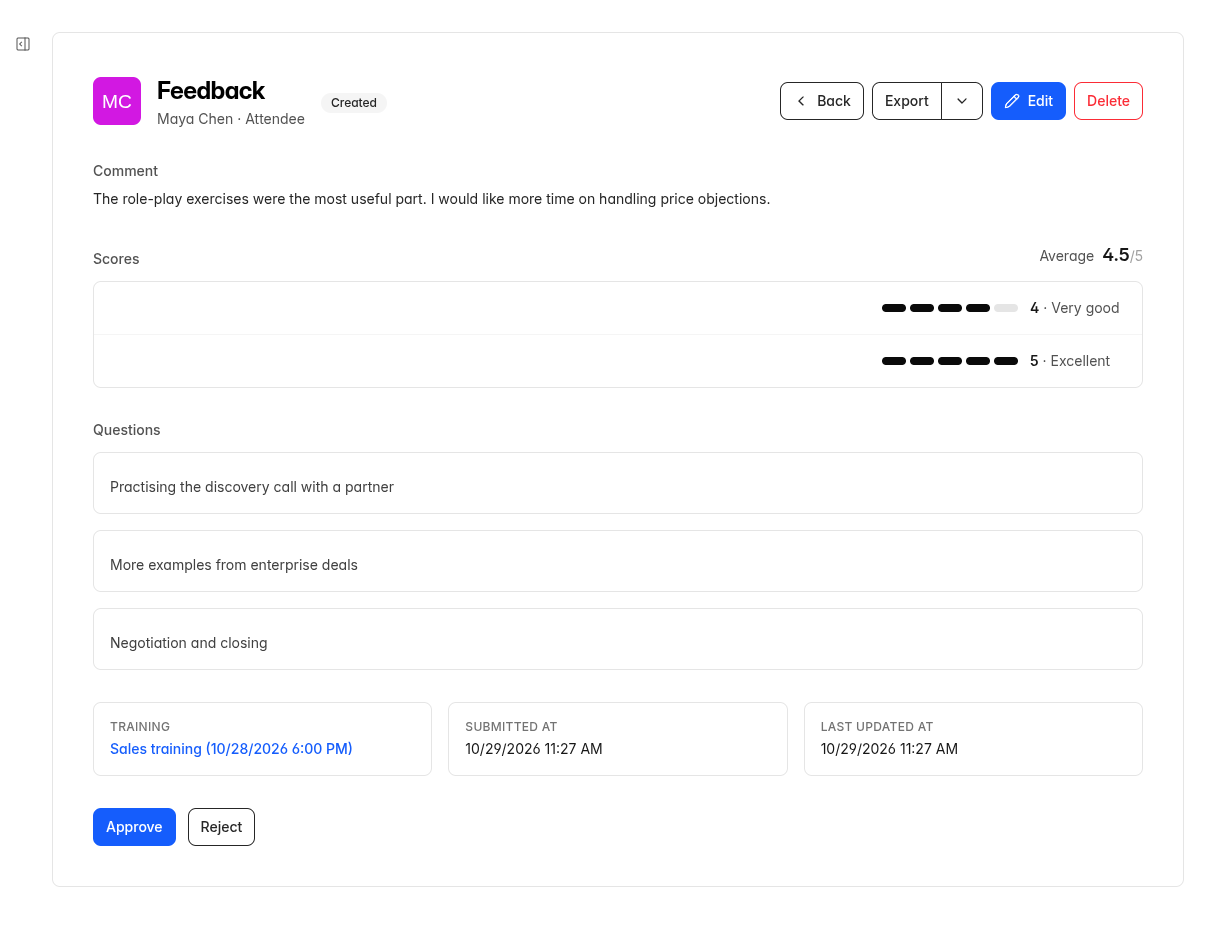
Scores and written answers are reviewed, then approved or rejected, before anything is credited.
Leaders earn credits when their feedback is approved. Automatic credit assignment can be turned on or off for each account.
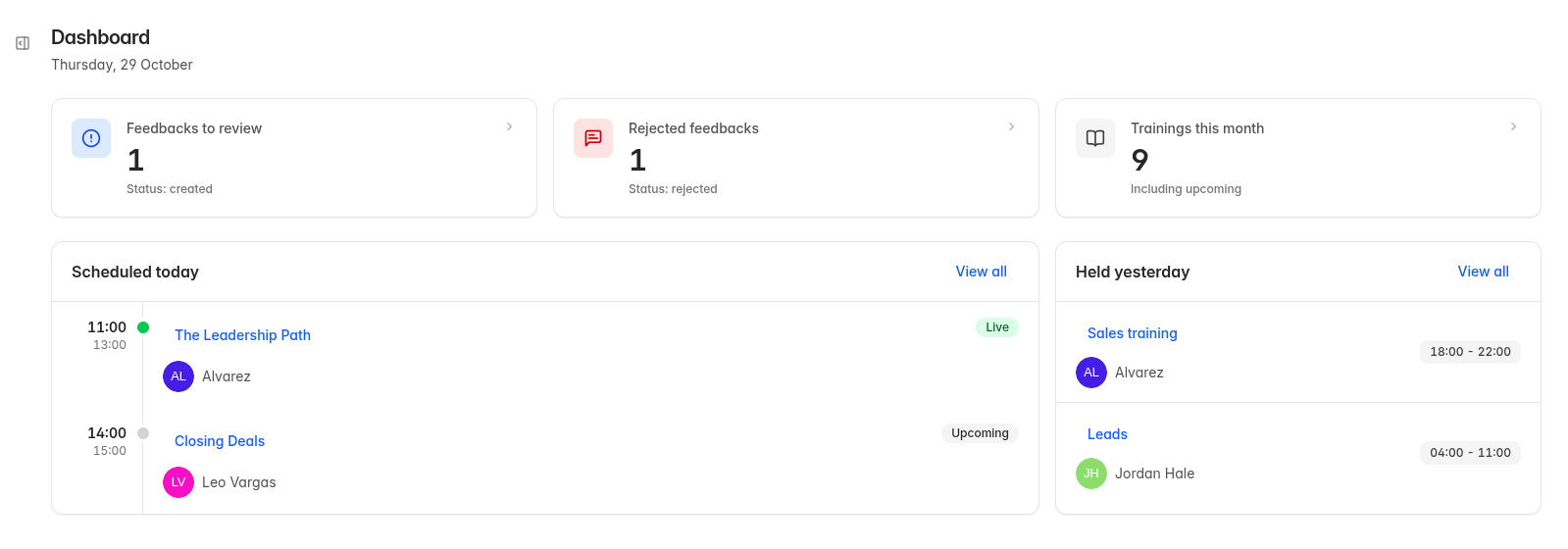
See today's and yesterday's sessions, this month's total, and feedback waiting for review.
Set the topic, time, and location, choose in person or online, and add the leaders and attendees.
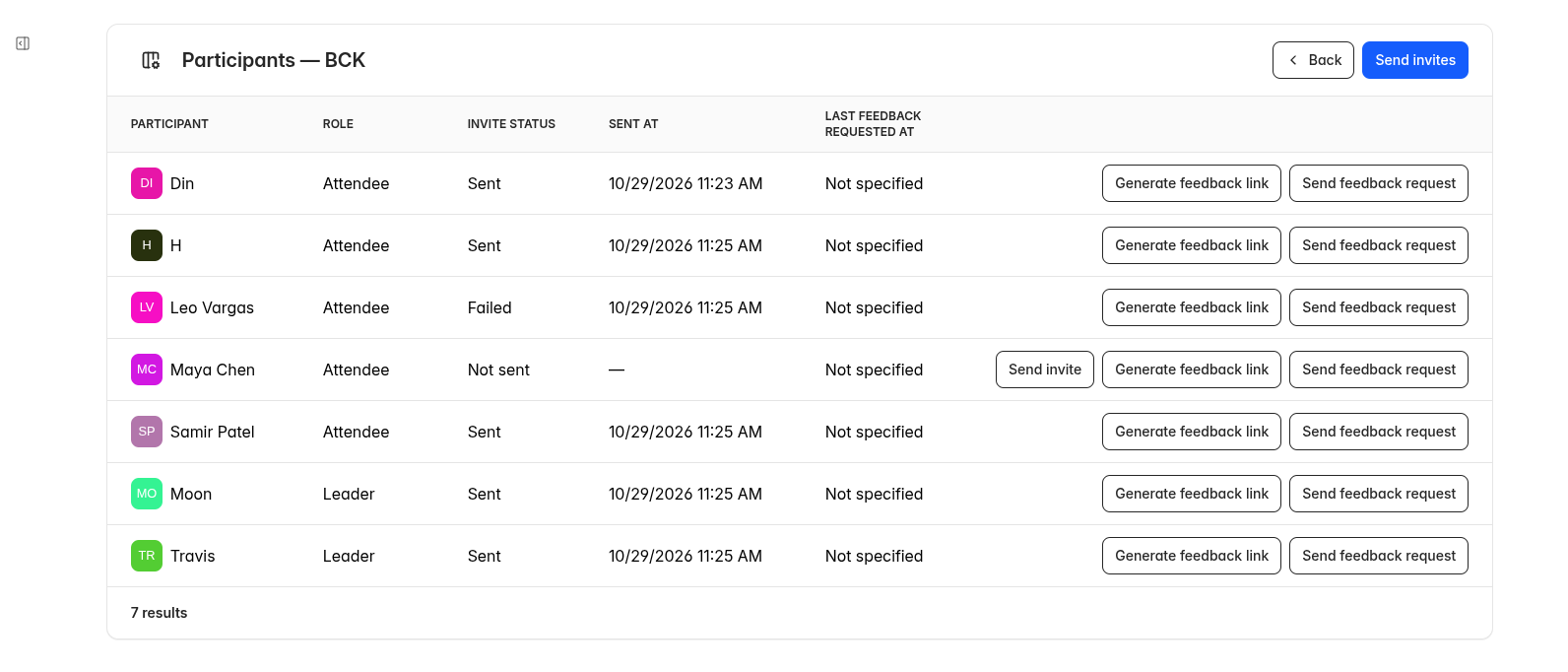
Each participant gets a calendar invite. You can see which invites were sent, and which failed.
Read the scores and written answers together, then approve or reject each submission.
Run the session, collect feedback from attendees, and earn credits when that feedback is approved.
Join the session and give feedback afterward.
Manage members and groups, and decide how leader credits are assigned for the account.
Create an account to schedule your first session.